Example request · Unit 1204
Bedroom radiator is cold, room down to 16°C
- Received (done)
- Classified (done)
- Routed (done)
- In progress (current)
- Resolved (not yet)
- Routed to
- HVAC vendor on call
- First response
- Acknowledged in 11 minutes
- Seconds
- to read a new request, photos included, and set its category and severity.
- 15 min
- to first response on an emergency, escalated on its own when the window passes.
- 1 queue
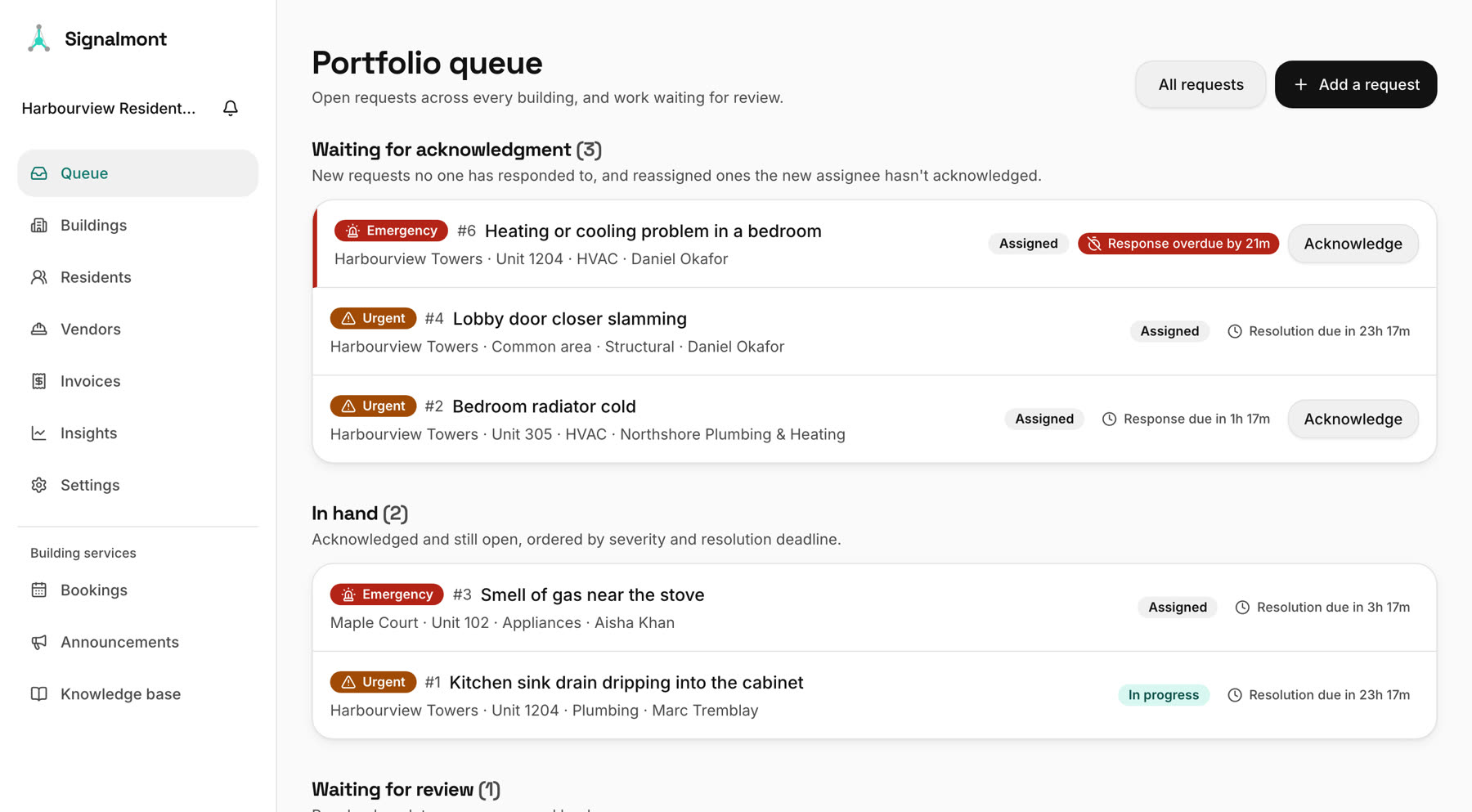
- for every building you run, ordered by what can least wait.
The tour · 8 films, about 7 minutes
Watch it work before you talk to us.
Narrated films recorded from the real app with sample buildings. Start anywhere: each one is about a minute and covers one part of the job.
A resident reports an issue
Plain-language requests from the resident app, with emergencies called out first.
01How a request moves
The same five steps for a dripping tap and a flooded corridor.
01Reported
A resident sends it from the app or the web, with photos. Staff can file one for a resident who calls.
02Triaged
Category and severity are set in seconds. Gas, smoke, flooding and lock-outs are caught by rules before any AI.
03Assigned
Your routing rules choose the superintendent, the trade on call or a vendor, by building and by category.
04Escalated
If the response window passes, it goes up the chain you set, with its history attached.
05Resolved
The resident is told and rates the work. The record stays for head office.
02Response windows
A leak at 2 a.m. doesn't wait for Monday's email.
Each severity has its own clock. Emergencies and urgent work run around the clock; routine work runs on business hours. When a window passes, the next person on your chain hears about it before the resident has to call again.
| Severity | First response | Resolved within |
|---|---|---|
| Emergency | 15 minutes | 4 hours |
| Urgent | 2 hours | 24 hours |
| Routine | 1 business day | 5 business days |
The defaults every account starts with. Each organization and building sets its own.
03Everything in one place
Everything a building runs on, with a film for each.
The whole tour- 01Watch · 0:57
Requests and AI triage
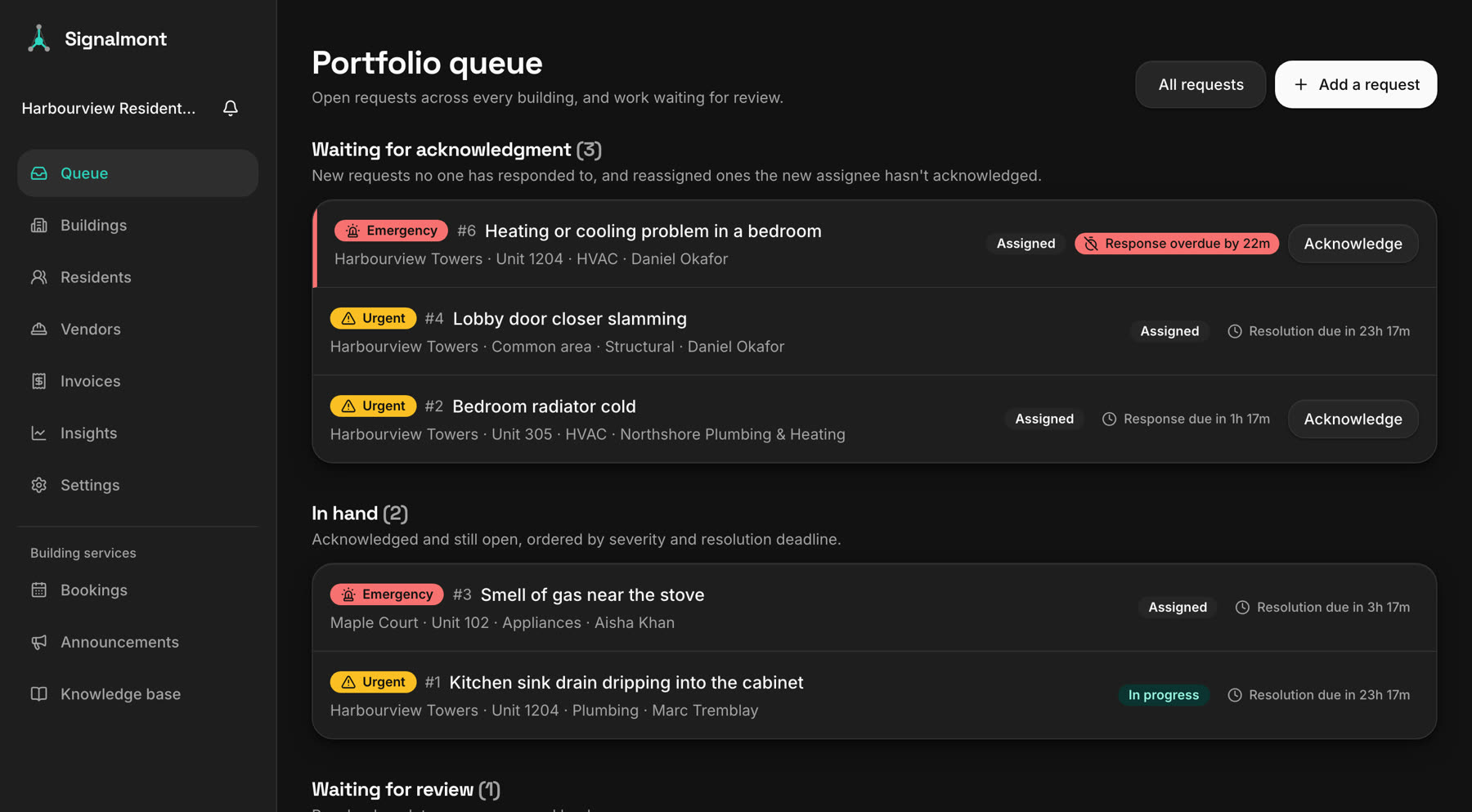
One queue for the portfolio, each request with its severity, owner and response clock. Override any triage call; the reason is kept.
- 02Watch · 1:00
The resident app
Report an issue in plain words with photos, follow it to fixed, read building notices, book amenities and ask for parking.
- 03Watch · 0:46
Residents directory
Search everyone by name, email, phone or unit. Each resident's page holds their home, housemates, requests, bookings and parking.
- 04Watch · 0:50
Buildings, units and appliances
Import buildings from a spreadsheet, see each one on a map, and track every unit's appliances against the requests raised on them.
- 05Watch · 0:50
Vendors and invoices
Vendors by trade, routed jobs, and invoices drafted from the logged work, with GST, HST, PST or QST in Canada and sales tax in the US.
- 06Watch · 0:45
Service levels and insights
First response and resolution on time, by building, severity and category, against the windows you set.
- 07Watch · 0:55
Announcements and bookings
Notices for one building or all of them, amenity bookings to confirm or decline, and parking assigned from one page.
- 08Watch · 0:48
Team, access and audit log
Roles plus per-person responsibilities, buildings each person covers, and a record of who changed what.
- 09Watch · 0:43
Response times, routing and your brand
Set your own windows and routing rules, and put your logo, colours and fonts on the web and phone apps.
- 10Watch · 0:43
Works with your systems
CSV imports, links into your CRM, and an integrations API that sends residents in and changes back out, signed.
04Fits how you work
It sits beside the systems you already run.
- Works alongside Yardi
- Leases, rent and accounting stay in the system you already run. Bring buildings and residents in from an export, or connect your own system through the integrations API.
- A history that holds up
- Every assignment, escalation, message and invoice is written down as it happens, not pieced together later.
- Written for PIPEDA
- Residents see only their household and staff only their buildings. Location data is stripped from photos, and administrators sign in with a second factor.
05Book a walkthrough
Pick a time. Bring your buildings.
A 30-minute video call with the people who build Signalmont. Tell us how requests reach your team today, see it with your portfolio in mind, and ask anything.
- 30 minutes, on Google Meet
- Times shown in your own time zone
- The invitation goes straight to your calendar
Rather write? hello@signalmont.com
06Questions
What operators ask us first.
Does it replace Yardi or our property management system?
No. Signalmont works alongside Yardi and similar systems today: leases, rent and accounting stay where they are. Buildings and residents come in from a CSV export, or your own system sends them through the integrations API.
Can AI triage get an emergency wrong?
Gas, smoke, flooding and lock-outs are caught by rules before any AI looks at the request, and residents are told to call 911 or your emergency line first. When triage isn't sure, it flags the request for a person, and staff can override any call.
What are the default response times?
Emergencies: first response in 15 minutes, resolved in 4 hours, around the clock. Urgent: 2 hours and 24 hours, around the clock. Routine: 1 business day and 5 business days. Each organization and building can set its own.
What do residents and staff need?
A web browser, or the iPhone app. An Android app is in testing. There is nothing to install on office computers.
Does it work for buildings in the US?
Yes. Buildings can be in any Canadian province or territory or any US state, with their own time zone. Invoices bill in Canadian dollars with GST, HST, PST or QST, or in US dollars with the building's sales tax.
How is pricing worked out?
Per unit per month, with lower rates for larger portfolios. We quote for your portfolio on the walkthrough.
How long does it take to get started?
We import one building's units and residents and set up your routing and response times with you. It takes about an hour of your time.
Can it carry our brand?
Yes. Your logo, colours and fonts appear in the web app and the phone app, and announcements can go out under your name.
See it with your own buildings.
Accounts are by invitation while we bring on our first operators. Book a walkthrough and we'll set yours up with you.